Can’t stop writing about keyboards
I surprised myself in realizing that this year I already wrote three big essays about keyboards. I thought I’d share them here in case you missed them and you might enjoy a nice long weekend read!
⌘
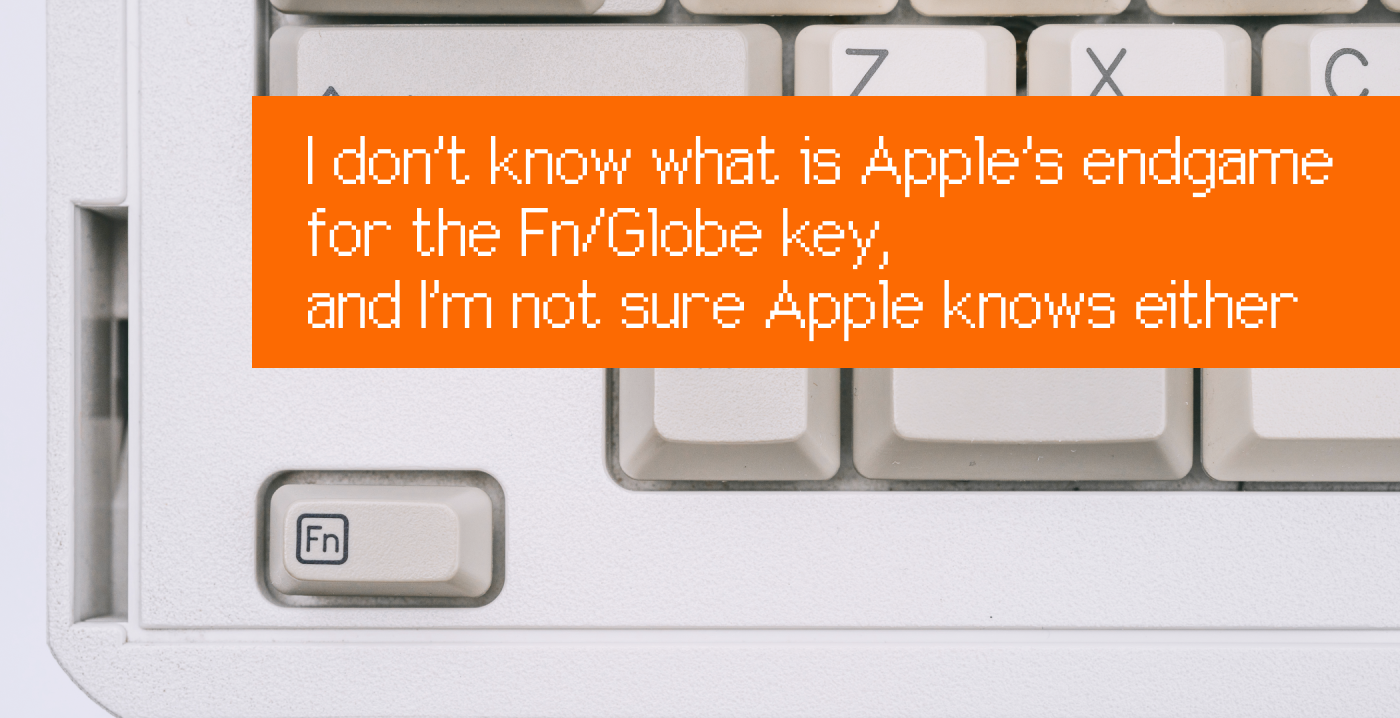
I don’t know what is Apple’s endgame for the Fn/Globe key, and I’m not sure Apple knows either
This was a classic Shift Happens endeavour, similar to a few chapters in the book, or perhaps the Return/Enter booklet. How did Fn come to be? What are Apple’s plans with it? I only know the answer to some of these questions, but I hope it’s a fun essay nonetheless.
⌘
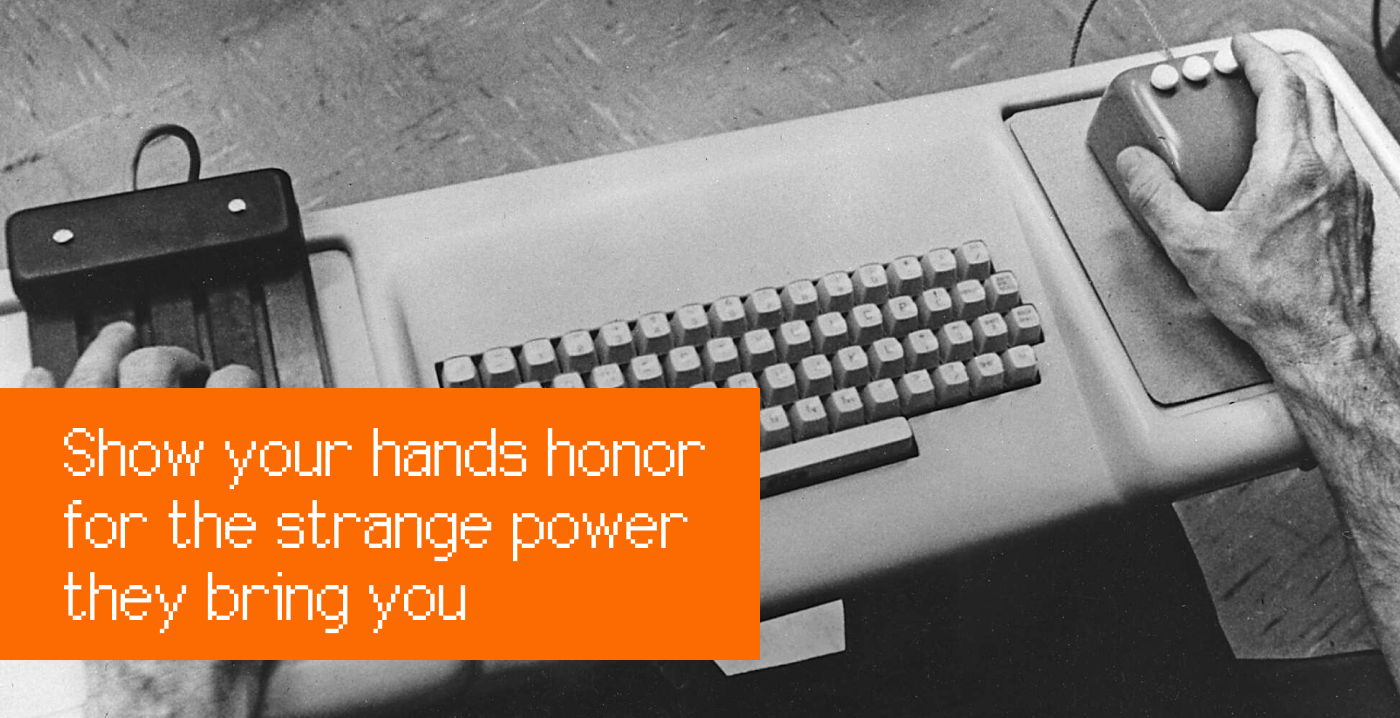
Show your hands honor for the strange power they bring you
This essay should be a lot of fun on a big screen with a mouse and a keyboard. It examines what are some lessons in designing really great finger-friendly and motor-memory-welcoming experiences, and it shows them through a lot of interactive playgrounds recreating moments of glory from keyboard (and mouse) interaction history.
⌘
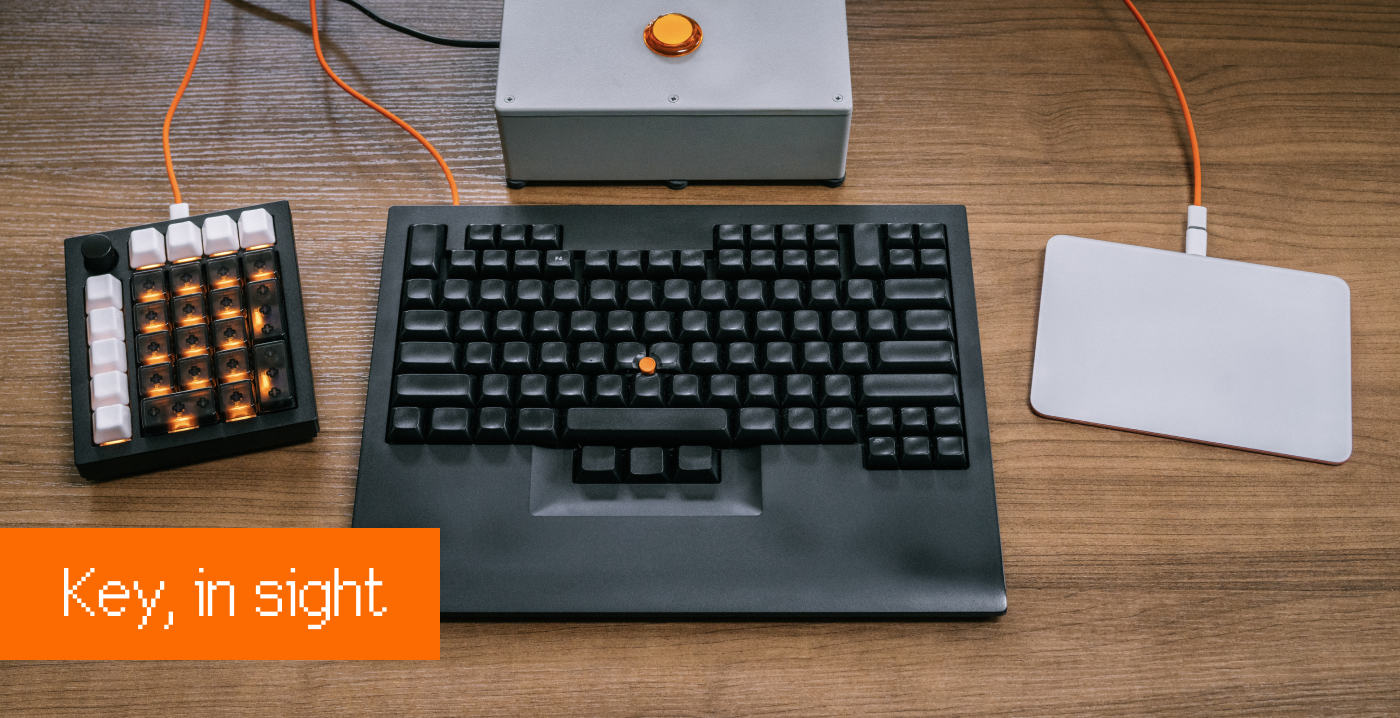
And this one is a very pragmatic essay about customizing your keyboard. It talks about the software and how it works, proposes tons of ideas for fun and useful shortcuts, and recommends some hardware, too.
⌘
About half a year ago, I also started a new blog (my first!) called Unsung, about design craft and quality. Keyboards appear once in a while, and they even have their own tag.
I’m also continually uploading interesting documents to my Internet Archive collection – coming up on 1,000 documents! Check it out if you like this kind of stuff.
I also finally summarized my keyboard collection and put it up online! I’m sharing it publicly for two reasons:
For Google search, or whatever succeeds it. If you stumble upon this list this way and have any questions about any particular keyboard here, let me know.
If you are interested in any of these as a collector, you can always make me an offer!
⌘
Lastly, what is my current fav keyboard? It’s this weird little thing:
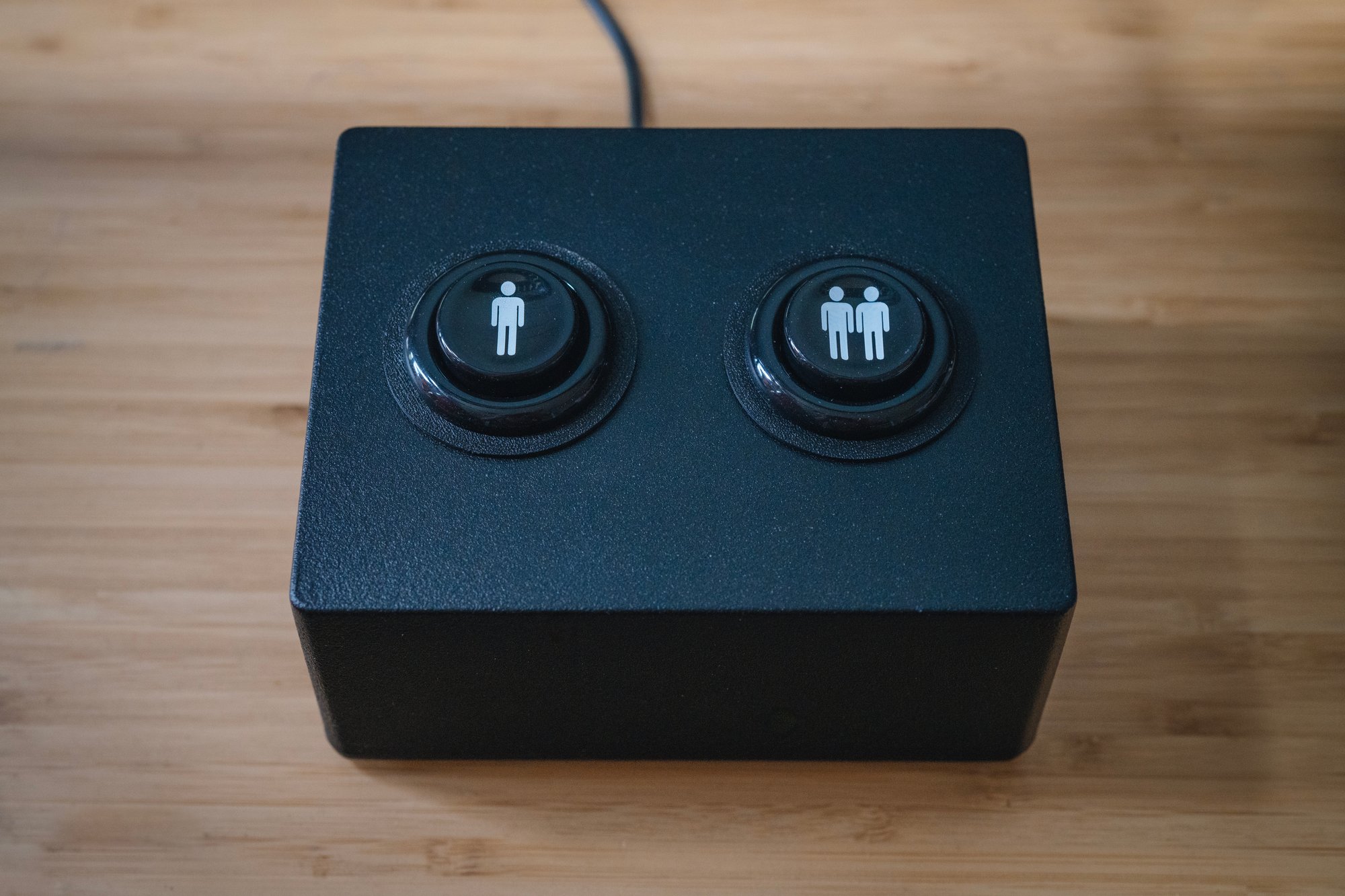
After I published the “Key, in sight” story above, many people asked me about the big button/key I had below the display that I could just slam in a very rewarding way. Well, what is more fun than one big key? Two big keys, of course.
I bought this keyboard on Etsy and then modified with more clicky switches and two even more arcade-y buttons. They are incredibly satisfying to press. The keys output Space and Esc on their own, but through the magic of Karabiner and Keyboard Maestro, they help with other things like taking screenshots, scanning, and muting on audio calls.
Marcin
This was newsletter №52 for Shift Happens, a book about keyboards. Read more in the archives


